Understand the system
Explore repository structure and the context behind a change.
Explore the Brain gonu.
FOR DEVELOPERS & ENGINEERING TEAMS
Build, debug and review with the context that matters.
Your code. Your team’s knowledge. Your control.
Start without signing in · No personal API key needed
YouAdd a retry limit to the checkout request.
Find the request path, preserve the existing behavior and propose a focused change.
One Gonu account. Your saved agents and task history across supported clients. How shared access works
MORE CONTEXT. LESS STARTING OVER.
A file only tells part of the story. Bring repository structure, recorded decisions and selected team knowledge into the same view.
Explore the Engineering BrainExplore repository structure and the context behind a change.
Explore the BrainRevisit recorded decisions and engineering history instead of starting from zero.
See Software Time MachineInspect recorded changes and checks, including what still needs verification.
See Proof of WorkONE PLATFORM. REAL WORK.
Open a repository, understand the execution path and work toward a focused, reviewable change.
$ gonu plan "Explain the checkout flow"Requires CLI setup and an authorized project.Turn selected documents and meeting transcripts into source-linked drafts, handoffs and next actions.
CAPABLE AI. CLEAR BOUNDARIES.
Gonu provides the models. You choose the context and review consequential actions.
Models, usage & controlStart with a question, selected documents or an authorized repository. Connect what the task needs.
Use Auto to get started. Ask for a plan, choose your agents and inspect proposed changes.
Check the output, diffs and execution evidence. Keep approvals in place for consequential actions.
Hosted models process selected context with the provider. Worker also supports optional local Ollama inference.
Understand your data flowSTART WITH ONE USEFUL RESULT
Try the core experience first. Check current prices, included usage and available capabilities before upgrading.
Try web chat. Sign in for saved work, your agents and Auto within your free allowance.
Try Gonu on webCompare subscriptions for model selection and additional usage. Limits and availability apply.
Compare plansBring a real use case. Discuss your repositories, team setup and model requirements.
Request a team demoBEFORE YOU START
Practical answers, setup guides
and a closer look at the product.
Yes. Open Web Chat for a limited guest conversation, with no download or personal API key. Sign in to save conversations and use your agents. Guest chat uses Auto and keeps model and agent controls out of the way.
Web chat cannot open local folders or execute commands on your computer. Use Desktop Worker, the VS Code beta or CLI beta for authorized local repository work. Managed engineering workflows need a connected project and the required permissions.
Gonu provides hosted models. Free accounts use Auto; subscriptions unlock model selection, subject to available models, usage limits and workspace policies. Optional local Ollama inference is available in Worker. You do not need to bring a personal API key for Gonu-hosted models.
It connects repository structure with recorded decisions, engineering history and selected team knowledge. The current beta starts from an authorized repository scan and the sources you choose. Each feature page explains the available workflow, prerequisites and what is still being built.
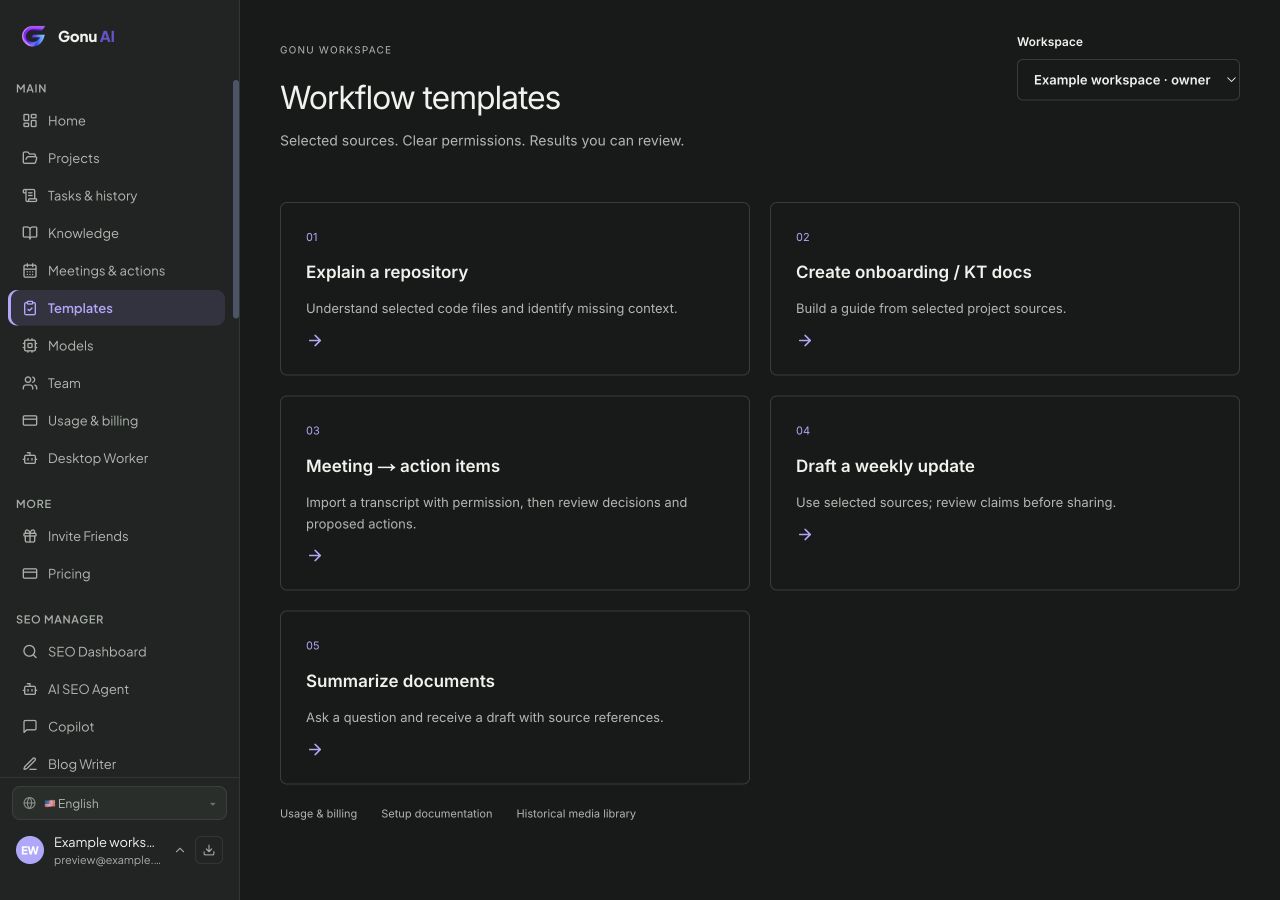
The interactive workflow and repository map are clearly labeled, authored examples. They explain how the product works without running commands or calling a model. The workspace image is an actual product screen with example data. A real task needs your inputs and setup; its results must be verified.
That depends on your setup. Hosted models process the selected context with the provider. Local Ollama runs inference on your computer, while account and some workflow features still use Gonu services. Review the model and data guide before choosing a setup for sensitive work.